02 / Client onboarding
An agreed start. A consistent handover.
Client approved → project checklist created → agreed information requested → team notified.
Human approval comes first. Missing documents remain visible for follow-up.

JAM Digital / Automation
Connect your website, marketing and business tools so enquiries reach the right people, information moves between systems and routine tasks take less manual effort.
Who it is for
Your marketing creates opportunities, but the work that follows still depends on copying details, chasing updates and remembering every next step.
Small businesses and marketing teams with repeatable enquiry, onboarding or reporting processes, existing software and someone ready to own the workflow.
Problems we address
What is included
See the handover
Illustrative examples, not client results. Each build starts with your process, tools and agreed responsibilities.
01 / Enquiry handling
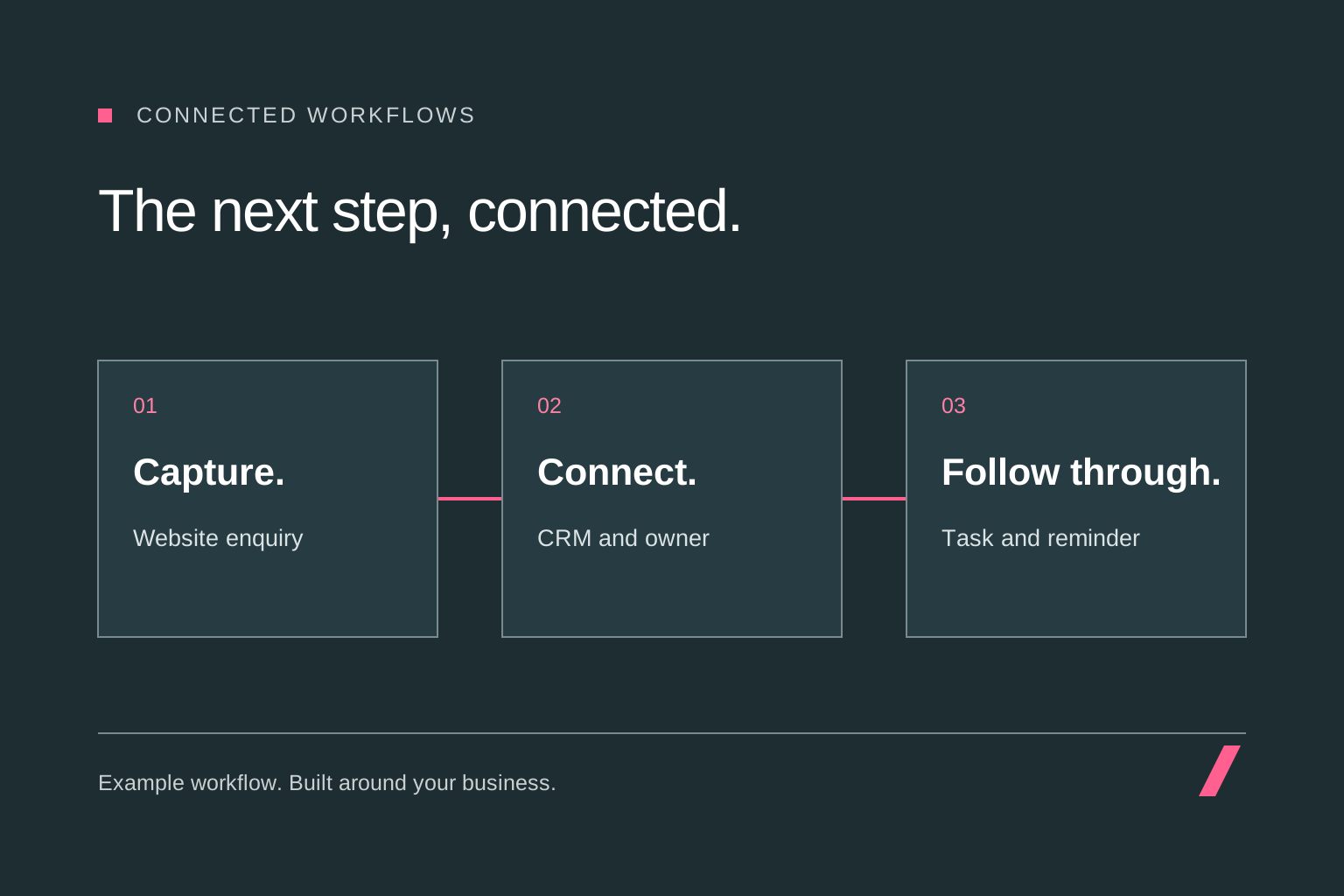
See how the next step changes when an enquiry is complete, information is missing or a connected system is unavailable.
This demonstration uses fixed examples. No systems are connected and no messages or data are sent.
Required details are present. Continue to the agreed handover.
Create or update the CRM record using the agreed matching rule.
Notify the owner and create a follow-up task.
Record the outcome so the team can see what happened.
Example outcome: the enquiry has an owner and a follow-up task.
02 / Client onboarding
Client approved → project checklist created → agreed information requested → team notified.
Human approval comes first. Missing documents remain visible for follow-up.
03 / Reporting
Reporting date reached → agreed sources collected → summary prepared → owner reviews the results.
An unavailable or incomplete source is flagged for review before the report is shared.
Our approach
Map one process with the people who use it. Establish the tools, data, time spent, exceptions and outcome worth improving.
Agree a useful first workflow, its scope, permissions, running costs and how we will measure whether it helps.
Connect the agreed tools and test with representative examples, including missing information, duplicate events and unavailable systems.
Document ownership, explain the manual fallback and agree who monitors failures and maintains the workflow after launch.
The detail behind the delivery
SEO, paid advertising and a useful website can bring the right people to your business. What happens after someone gets in touch matters too. A clear handover helps the team see the enquiry, understand the context and take responsibility for the next step. Automation connects those routine actions around the way you already work.
We start with a specific process and a clear owner. That might be moving website enquiries into a CRM, creating tasks after a new client is approved or assembling an agreed weekly report. The brief defines the trigger, the information needed, the destination and what should happen when something cannot proceed.
An enquiry workflow can check that required information is present, match an existing contact, create or update the right record and notify an agreed owner. Follow-up reminders can keep a task visible without relying on someone to remember it. Any acknowledgement or email sequence uses agreed wording, timing and rules.
We plan for the exceptions as well as the normal path. A repeated submission should not create duplicate work. Missing contact information should reach a review queue. If the CRM is unavailable, the enquiry needs to remain recoverable, with a failure alert and a clear way for your team to act. Automated acknowledgements are measured separately from a person responding.
Once a client has been approved, a workflow can create a project checklist, prepare the agreed folders and request the information your team needs to begin. The acceptance step remains explicit: an enquiry alone should not create a signed client, a financial commitment or access to a private workspace.
For reporting, we agree the sources, definitions and reporting period before connecting the data. Scheduled summaries can reduce preparation time, while incomplete or out-of-date inputs should be flagged for review. Your team can then spend more time interpreting the information and deciding what to do next.
An automation review maps the process, identifies bottlenecks and prioritises opportunities against their likely value and effort. You receive a plan that explains what is worth building, what information is missing and how each recommendation would be measured. A well-defined single workflow may be ready to scope without a wider review.
A workflow implementation covers the agreed build, testing, documentation and handover. Optional ongoing care covers a named set of workflows, monitoring arrangements and a defined allowance for maintenance or changes. These are separate scopes, so your proposal makes clear what the initial project includes and what happens afterwards.
Before launch, we agree who receives failure alerts, who can pause or restart a workflow and how an affected task is recovered. The handover includes the connected accounts, permissions, important rules and a manual fallback. Support hours, response expectations and the boundary between a repair and a new requirement belong in the proposal.
Software subscriptions, usage allowances and any AI or messaging charges are identified separately from our fees. We estimate running costs from the expected volume and number of actions, then review actual use after launch. A change to a provider, subscription or business process may require a separately scoped update; a maintenance agreement should make that visible.
Useful measures include time spent on a repeat task, enquiry assignment time, duplicate records, failed runs and work waiting for review. We establish a baseline where possible and compare it with the operating cost and human effort after launch. The aim is a useful improvement to the process; any savings estimate depends on your actual volumes and costs.
We agree which information each connection needs, who can access it and how long it is retained. AI-assisted steps are scoped around the task and the need for human review. Approvals remain in place for commitments, sensitive decisions and customer-facing material where appropriate. Your team should be able to understand what the workflow does and take over when needed.
Yes. A focused enquiry handover, onboarding checklist or recurring report is a useful starting point. We agree the steps, tools, exceptions and acceptance criteria before quoting the build.
Not necessarily. We first check whether your existing tools can do the job through their own automation features or supported connections. Available integrations, account permissions and subscription levels determine what is practical.
No. Clear rules are often enough for routing enquiries, updating records and sending reminders. AI can support tasks such as classification, summarisation or drafting when it adds value, with agreed review and approval steps.
The proposal specifies account ownership, access and the handover. Our starting point is client-owned accounts, documented connections and a named workflow owner, so responsibility remains clear if support arrangements change.
It is agreed separately for named workflows. The scope sets monitoring and alert ownership, support hours, response expectations, maintenance tasks and any included changes. New tools, major process changes and additional workflows are scoped explicitly.
Provider subscriptions and usage charges are itemised separately unless the proposal states otherwise. We review the features and expected volumes needed before recommending a platform or subscription.
We agree how an improvement will be measured, using your process and volumes. The examples on this page illustrate possible workflows; they are not client results or a promise of a particular saving.
We test the agreed failure paths and document alerting, recovery and the manual fallback. The proposal identifies who responds and what ongoing support covers. We do not assume that a failed run has completed its work.
Sectors
Your audience, buying journey and commercial model change how marketing should work. Explore practical applications of SEO, PPC, consultancy and web development across our sectors.
Make complex infrastructure offers easier to discover and understand, with connected SEO, website and marketing support for B2B audiences.
Explore sectorHelp buyers move from product research and workplace ideas to a relevant order, showroom visit or project conversation.
Explore sectorGive players, communities and buyers a clear route from discovery to understanding your game, software or supporting product.
Explore sectorConnect vehicle research and local demand with accurate stock information, useful showroom enquiries and a clearer route to the next conversation.
Explore sectorShare your goals, the challenges you're facing and where you need support.